Account Balance
Never worry about service interruptions again.
With available balance in your account, all services are renewed automatically—ensuring continuous uptime and peace of mind.

Digital Wallet
Active
Available Balance
$240.00
John Doe
Refill Details
Add funds to your account to continue easily.
Select Amount$10
$50
$100
Custom
Pay
stc pay
CliQ
WU
MG
Balance Added!
Funds have been successfully added to your wallet. You can now enjoy all our services.
Digital Wallet
Active
Available Balance
$240.00
John Doe
Refill Details
$10
$50
$100
Custom
Pay
stc pay
CliQ
WU
MG
Balance Added!
Your balance has been updated.
Top up service
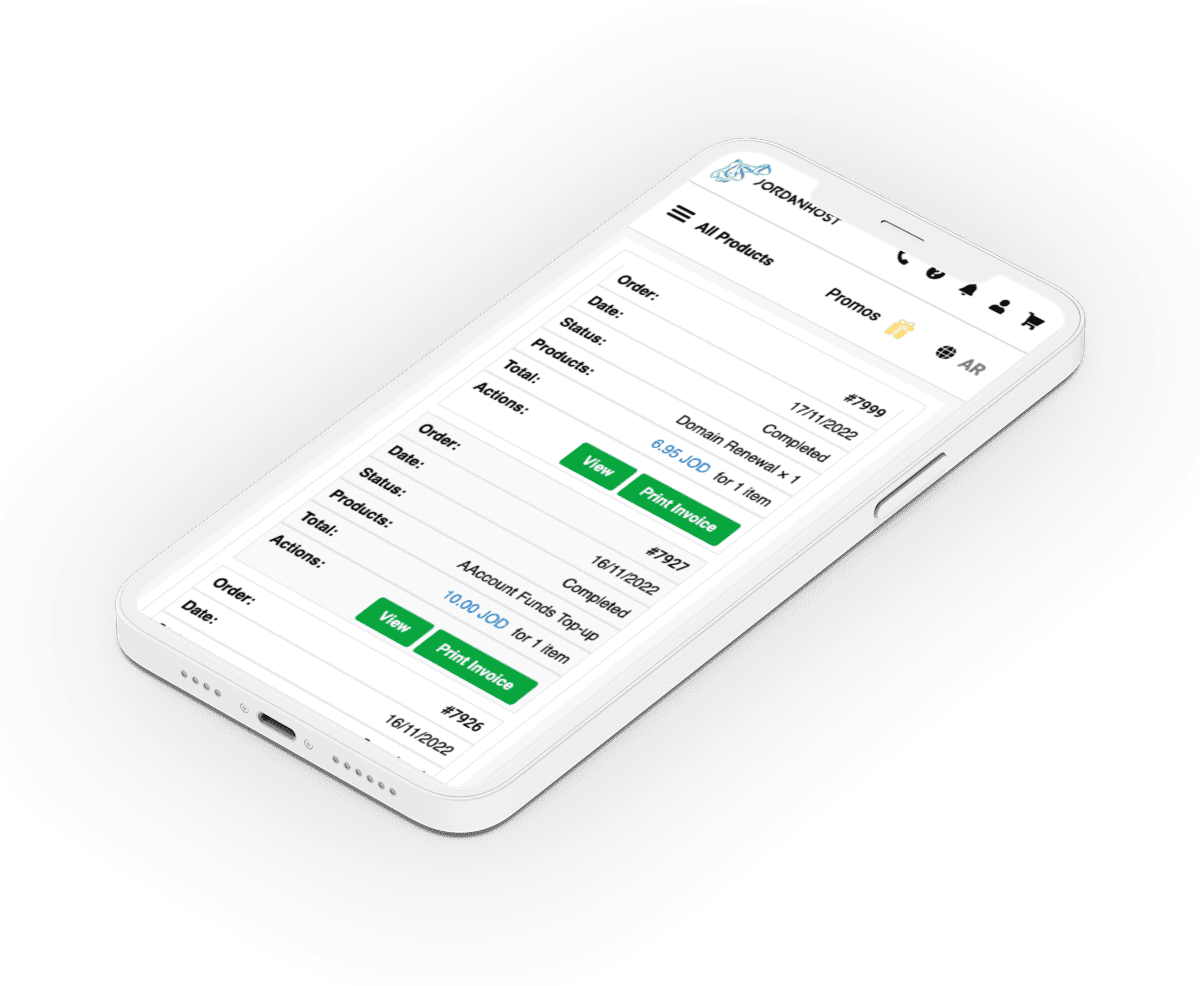
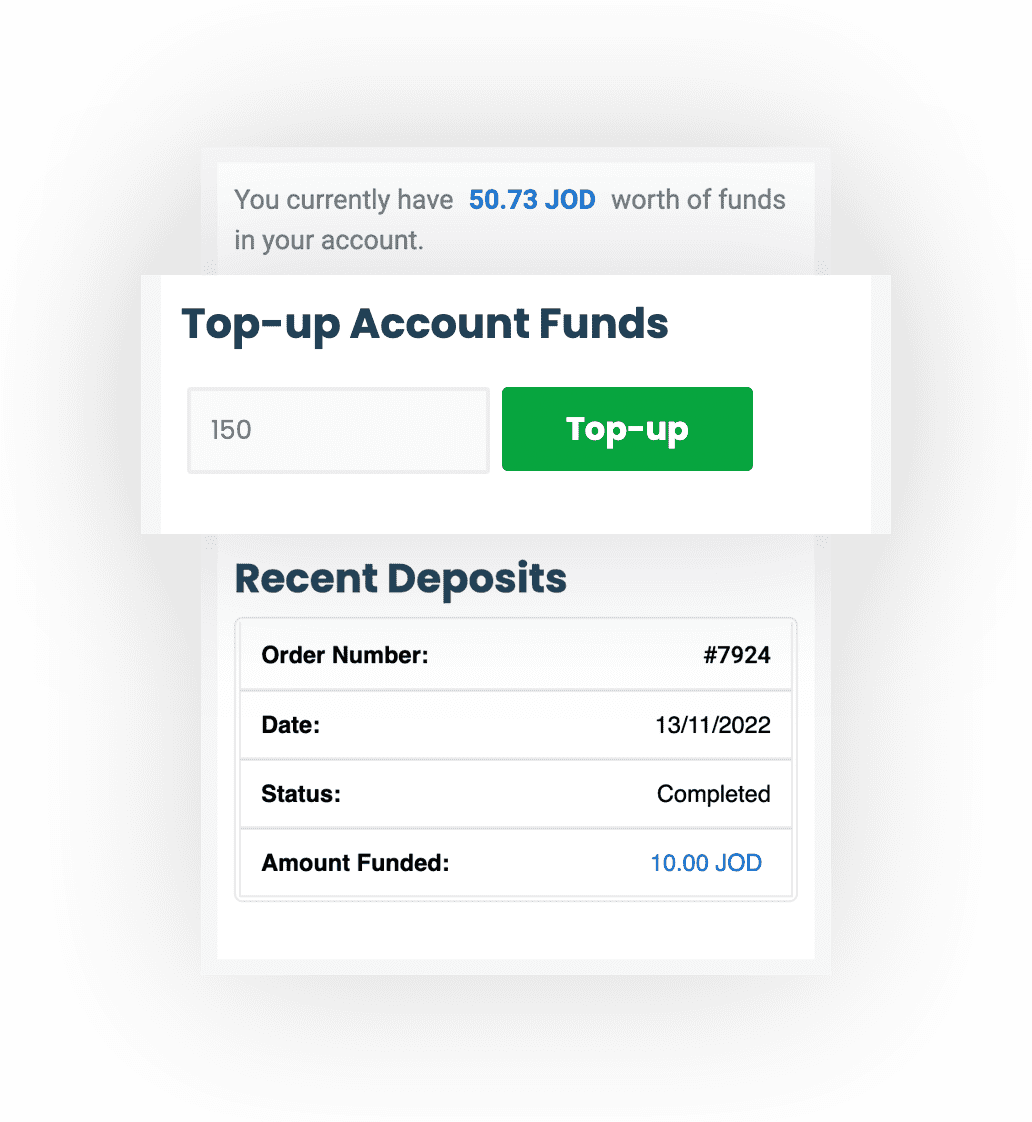
Use your account credit to make orders and renew your services anytime. Go to your account and enter the amount you want to add in the available field!
Ways to top up your account
Select the method you will use to add funds to your account. No commission is charged for balance refill!
Frequently asked questions
Why should I choose account credit as the payment method for my subscriptions?
When account credit is set as the payment method for a service, it renews automatically on its due date by deducting the renewal fee from your available balance — no card to enter each time, and no risk of the service stopping because your card expired. Always keep sufficient credit, and you can disable auto-renewal for any subscription from the Client Area – Manage Subscriptions.
How do I add credit to my account?
After logging in: My Account → Account Credit → enter the amount → "Add Funds". Choose a payment method and complete the payment; the credit is added immediately once the payment is confirmed.
Which payment methods can I use to add credit?
Every method available at checkout: credit cards (Visa, Mastercard, American Express), Apple Pay, Google Pay, Link, Amazon Pay, Klarna, plus the local methods shown automatically for your country. See the Ways to Pay page for the full list.
Are there any fees or commissions on adding credit?
No. The full amount you pay is added to your balance.
Is there a minimum amount?
Yes, the minimum is USD 20 per top-up.
Does account credit expire?
No. Credit stays in your account until you use it, for as long as the account is active.
Can I withdraw credit as cash?
No. Account credit can only be used to pay for JordanHost services and is non-refundable and non-transferable to another account.
Powered by WHMCompleteSolution